[Australia only] Getting Paid Through Houzz Pro Online Payments
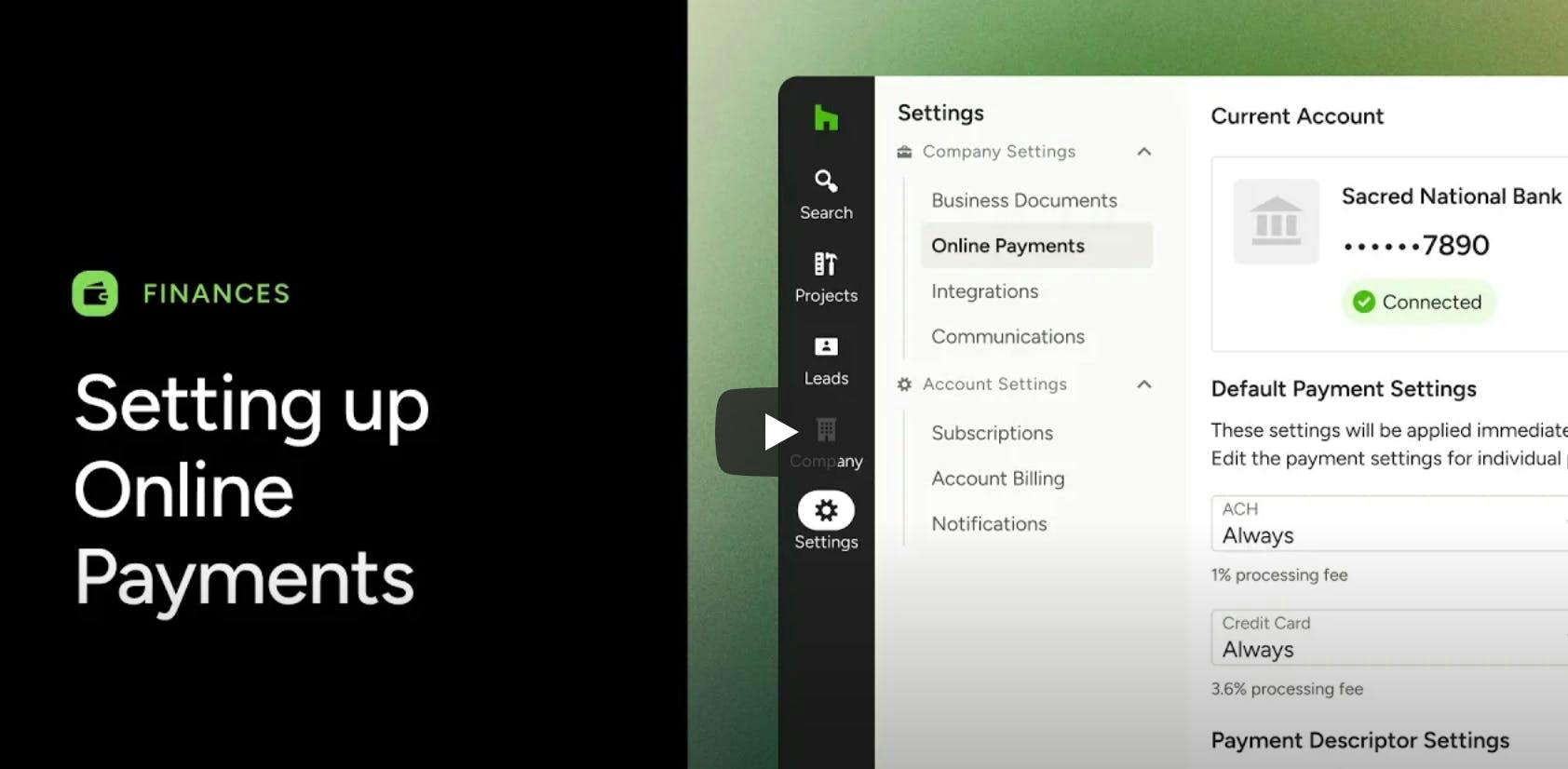
Houzz Pro online payments gives you an easy, convenient and secure way to receive payment from your client.
Why Use Online Payments?
When your client pays you directly on the Houzz Pro platform, those payments are automatically logged in your estimates/proposals and invoices without the need to manually input them. This saves you time and ensures accurate records for your business.
If you're synced with Xero, a record of your online payments are logged automatically on documents and also automatically synced over to Xero, which avoids the headache of double entry. See this article to learn more about syncing Houzz Pro to Xero.
Using Houzz Pro for online payments is also a great benefit to your client, who has the convenience to pay online by either credit card or bank transfer. They will have a digital record of payments made through Houzz to use for their personal records or for tax purposes if needed.
How to Set Up Online Payments
Ready to get started with online payments? Here's how to do it.
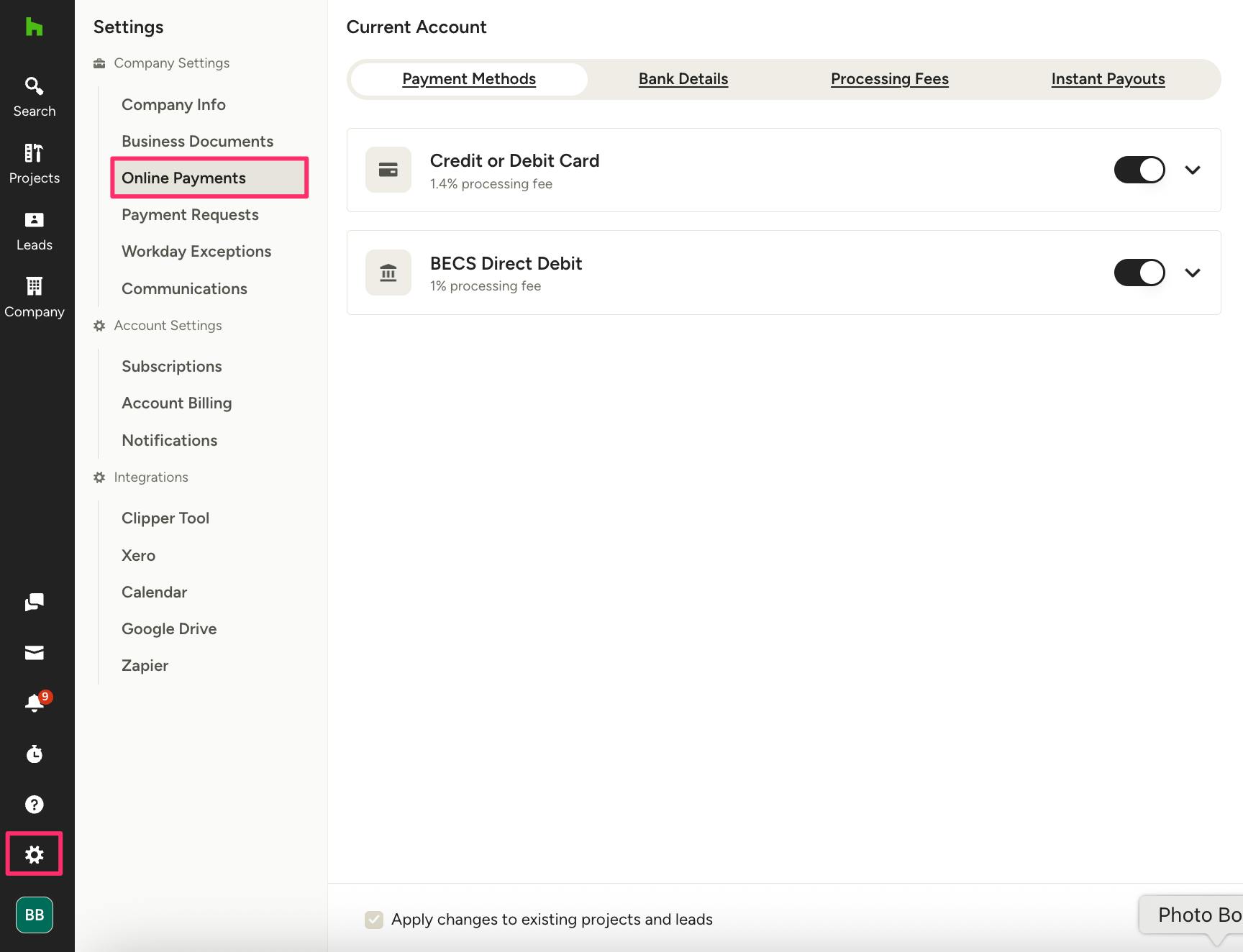
1. Click on the Settings gear in your left-hand navigation. From there, select Online Payments.
2. Click Get Started.
3. You will need to input the following bank account details:
- Account type: Individual or business
- Account holder information: Name, address, date of birth
- Account information: Account number, BSB
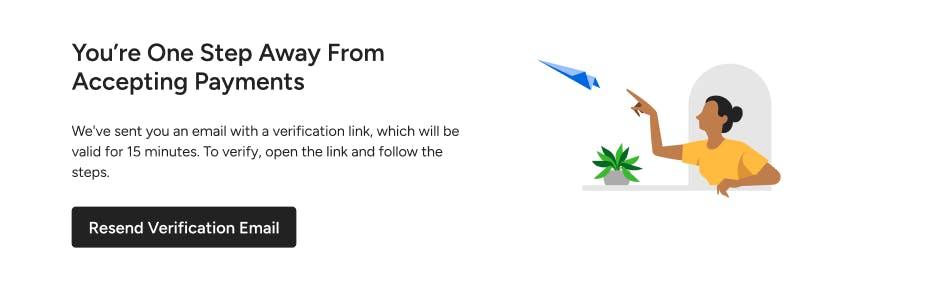
4. You will receive a verification link to your email address.
5. Click Verify My Account. Once you click Verify My Account, it can take up to an hour for your bank details to be approved. Following approval, your clients will be able to submit online payments through Houzz Pro.
In some cases, banking regulations might require you to provide additional information prior to your approval. In these cases, you’ll get an email from Houzz Pro with a link to a verification page. There you’ll find a list of additional information needed in order to verify your account.
Once online payments have been set up, you can edit your payment settings to control which payment methods you want to make available to your clients. Read How to Edit the Payment Method Settings for more information.
Online Payment Transaction Fee Rates
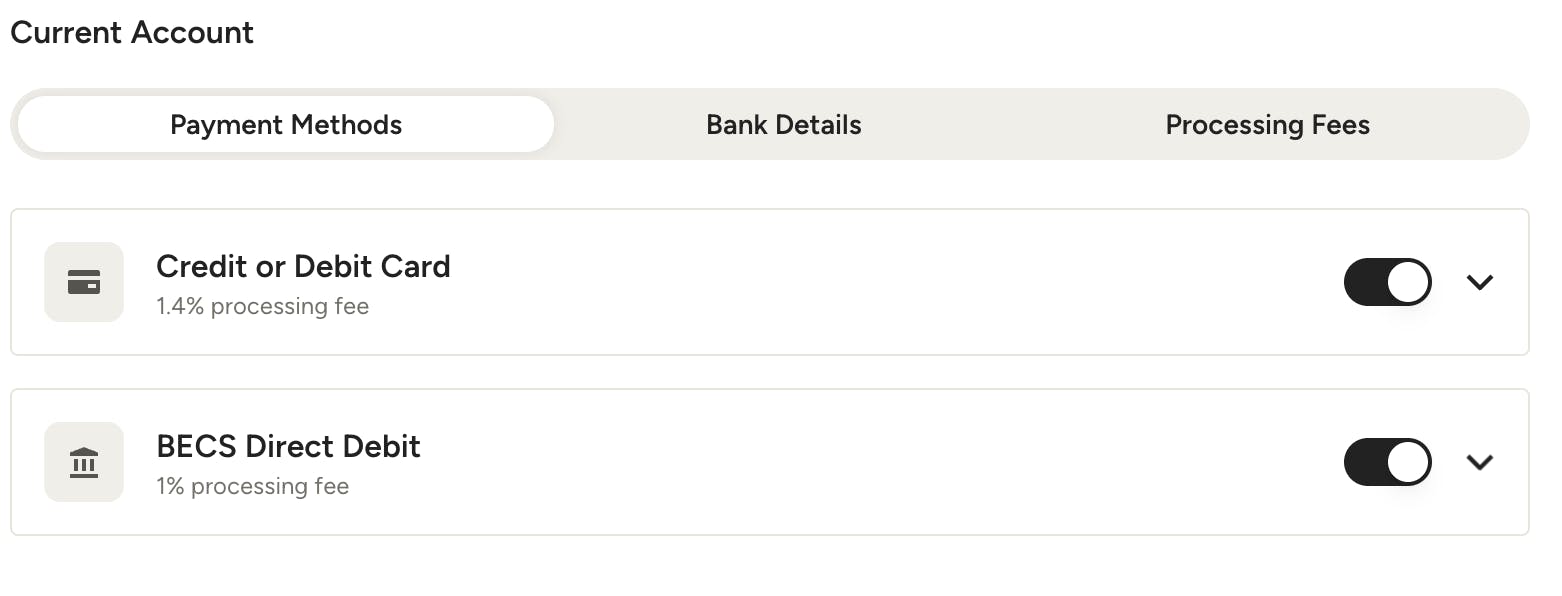
Houzz Pro offers competitive, flat rate transaction fees:
With credit card and BECS direct debit transactions, you can choose to absorb the fees. Other options include building fees into your overhead and fee structure so your clients always see zero fees. Read this article on best practices to create the best experience for your client while passing along any fees.
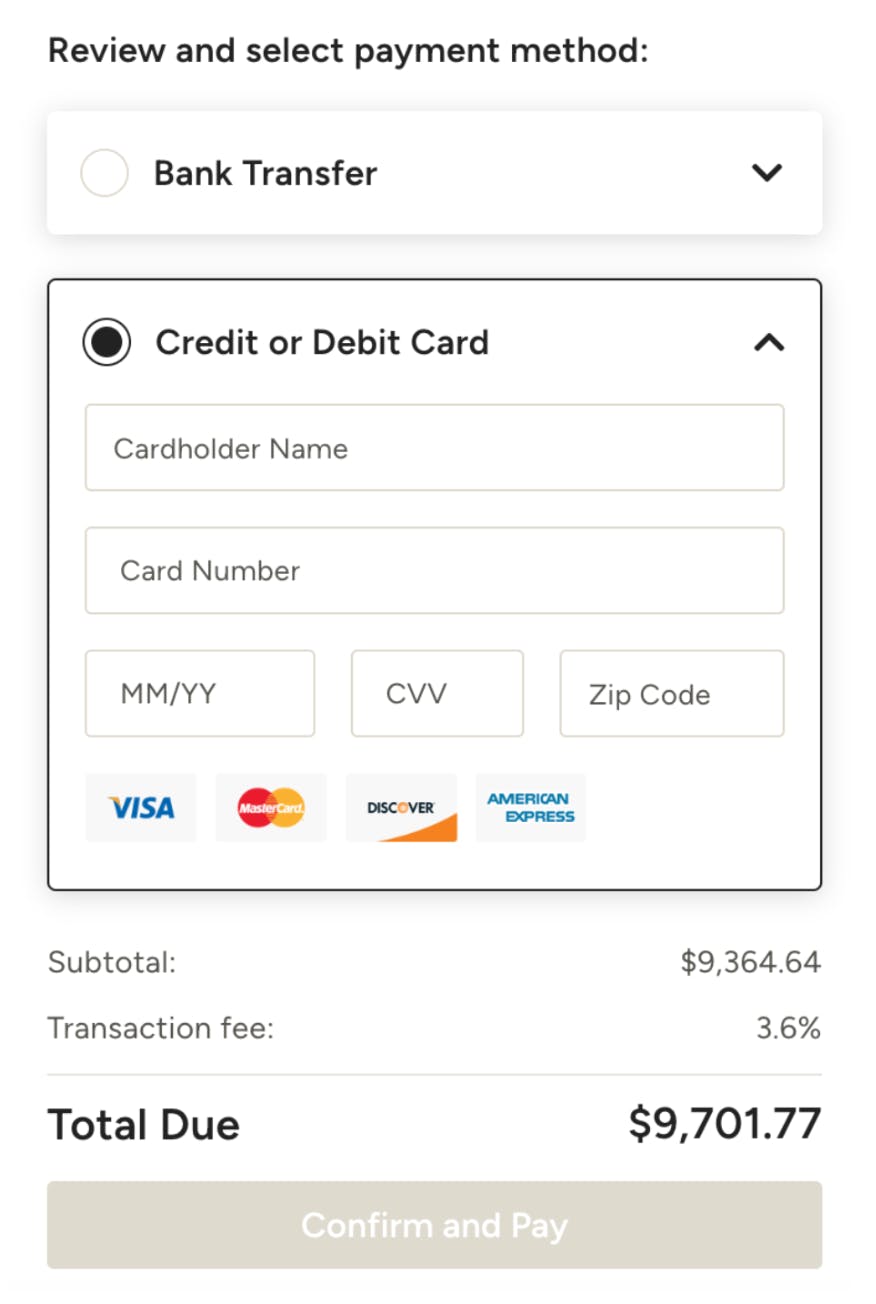
When paying online, your client will be able to see a breakdown of the transaction fee by payment method in the online payment screen.
How Long Does it Take to Get Paid with Online Payments?
When your client pays with online payments via BECS direct debit, you can access your money in up to 5 business days. For credit card payments, you can access your money in 2-3 business days.
*Please Note: Transfer times can vary by bank.
Online Payment Processing Timeline
1. Your client pays by credit card or BECS direct debit.
2. It takes approximately 2 business days via ACH or 2-3 business days via credit card to transfer the funds to your bank account.
BECS Direct Debit Example: If you receive a BECS direct debit payment before 2 p.m. EST, which is early morning UTC on the 25th, you should see the payout the next business day. For anything after 2 p.m. EST, the payout will appear within up to 5 business days.
Credit Card Example: If you receive a credit card payment at 12 p.m. EST on April 24th, which is early morning UTC on the 25th, you should expect to see the payout occur by the end of the day on the 27th UTC.
First Payment Process
In order to protect you from fraud, your first payment may take longer than normal to process, since we validate and review the transaction details. For first payments only, posting to your bank account may take up to 3-5 business days for credit card transactions, and 4-6 business days for BECS direct debit transactions. Future payments will follow the schedule listed above.
Online Payment Notifications
When your client pays you through online payments, you’ll get notified via email immediately after the payment has been made. You’ll be notified twice: Once when the payment has been paid and is pending, and once again when the payment has been authorised (once it’s been processed and approved by the issuing bank).
The email will contain information such as the client’s name, the payment amount, the processing fee (if you chose to offset to the client), and a link to more details.
You can also always keep track of all your online payments using the online payment filter in the Financial Reports section.
More Online Payment Resources
How to Edit the Payment Method Settings